
BOGOFIT API

Build AI virtual fitting
into your product.

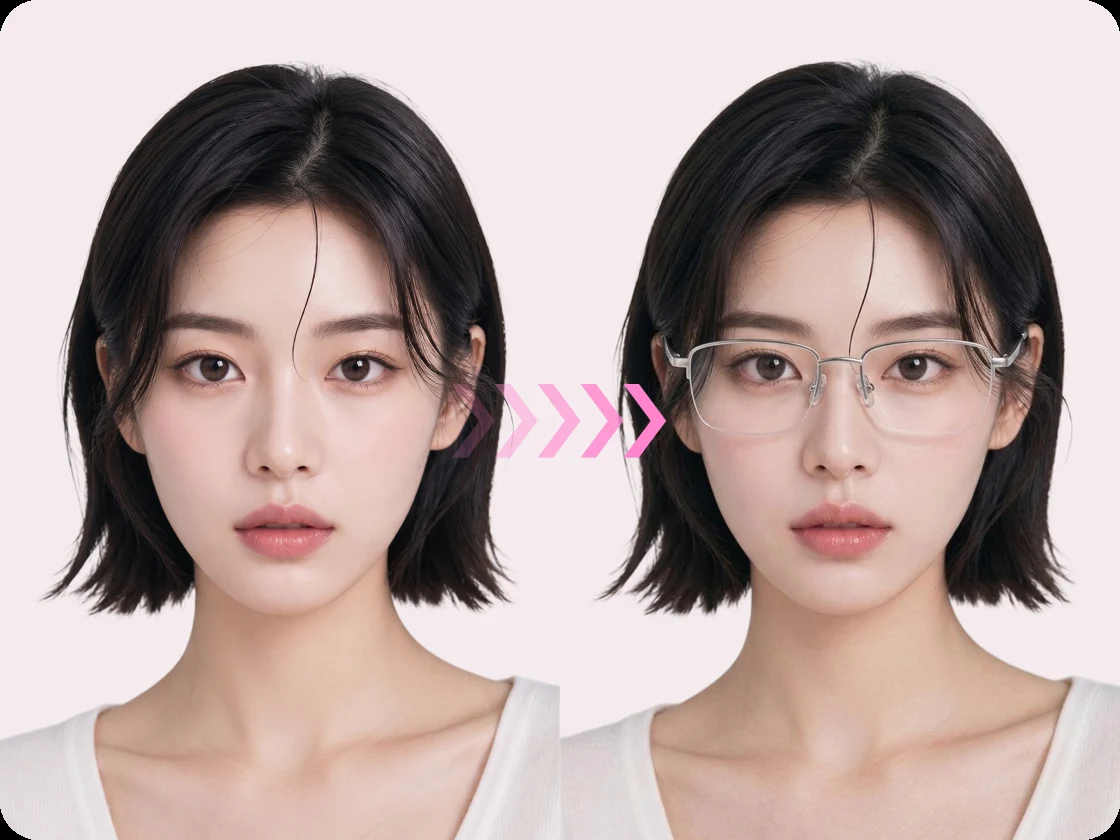
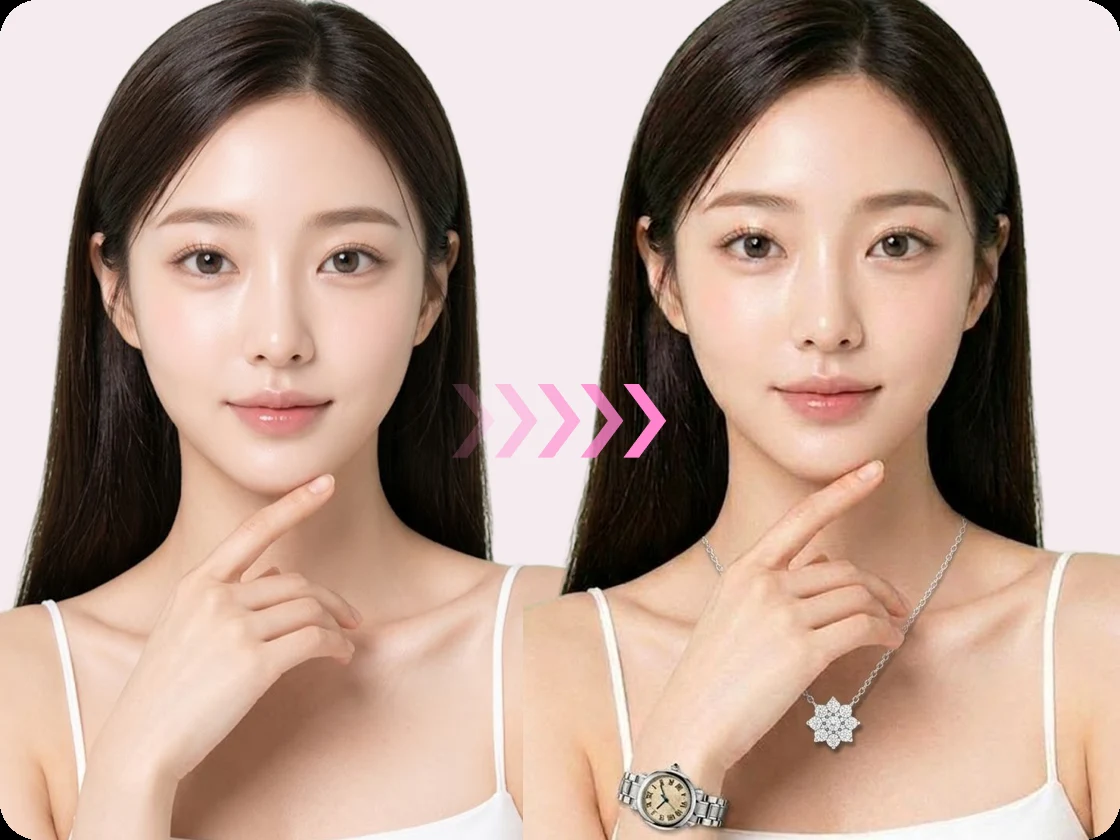
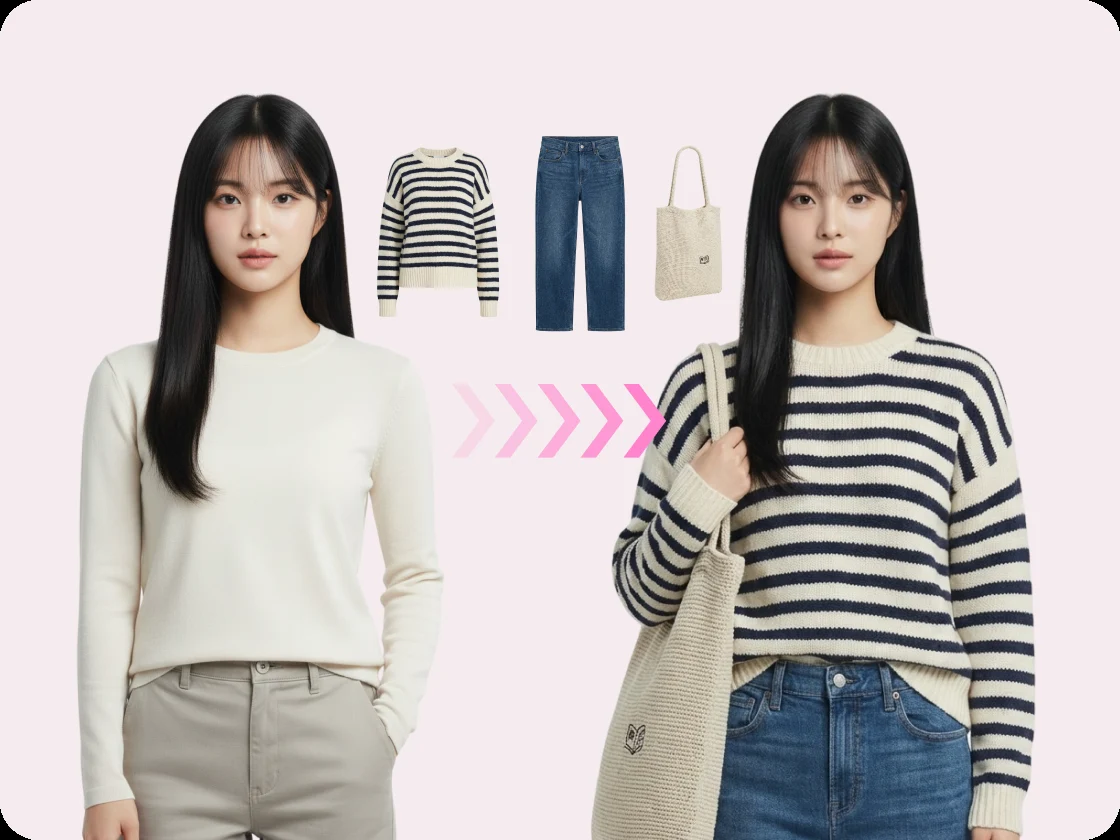
Bring apparel, footwear, eyewear and accessory previews into your service. Build a custom experience with the API or connect product pages through the store widget.

Before and after an AI outfit preview
Virtual fitting example

FROM YOUR SERVICE TO A FITTING RESULT

  1. 01
    Send a fitting requestPOST /v1/virtual-fitting
  2. 02
    Receive a job IDqueued → processing
  3. 03
    Retrieve the resultoutput.resultUrl

Track results with polling or webhooks.

01 / INTEGRATION OPTIONS

Two ways to connect.
One fitting platform.

Choose the route that fits your service, development team and customer journey.

DIRECT API

Build your own fitting experience.

For developers integrating BOGOFIT into a custom website, app or commerce service. Your backend submits images and manages fitting jobs.

  • Your interface, your customer journey.
  • Project keys and Bearer authentication.
  • Result retrieval through polling or webhooks.
STORE WIDGET

Bring fitting to product pages.

For connected shopping-mall platforms adding a fitting interface to product pages. Set up the store installation, loader and server-side session bridge.

  • Store installation and product-type mapping.
  • Loader and iframe for the customer interface.
  • Short-lived widget sessions issued by your server.
Store installation → Loader → Session
Explore the store widget
02 / FITTING CAPABILITIES

More ways to preview
the next choice.

Dedicated endpoints for clothing and fashion goods, with image-based inputs and generated fitting results.

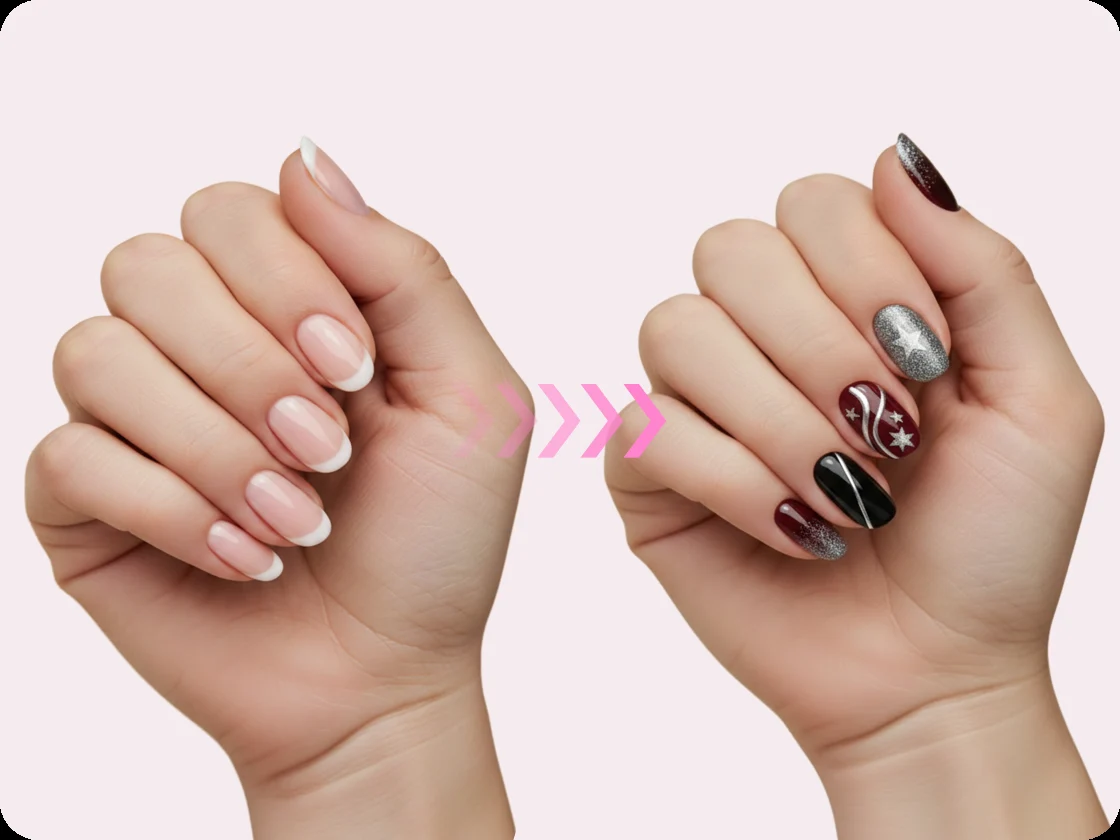
Nail design before-and-after preview

Nail designs

Apply a nail-art or nail-tip design to a hand photo for a visual preview.

03 / HOW IT WORKS

From image inputs
to a completed fitting.

Fitting runs as an asynchronous job. Your service submits the request and retrieves the result when processing completes.

  1. 01

    Prepare the images

    Upload files with multipart or a presigned URL, or use images already hosted at HTTPS URLs.

  2. 02

    Submit a fitting request

    Choose the appropriate endpoint and pass model and product images from your backend.

  3. 03

    Save the job ID

    A fitting POST returns a queued job. Track processing with the returned ID.

  4. 04

    Receive the completed image

    Poll the job endpoint about every two seconds, or receive a completion webhook. Use output.resultUrl when the job succeeds.

SERVER-SIDE JAVASCRIPTPOST /v1/virtual-fitting
const response = await fetch(
  'https://developer-api.bogofit.ai/v1/virtual-fitting',
  {
    method: 'POST',
    headers: {
      Authorization: `Bearer ${process.env.BOGOFIT_API_KEY}`,
      'Content-Type': 'application/json'
    },
    body: JSON.stringify({
      model_image: modelFileId,
      top_image: topFileId,
      top_style: 'tucked'
    })
  }
);
const job = await response.json();

Use file IDs returned by image upload. The request returns a job; retrieve its result when it succeeds.

See full request examples

Polling GET requests do not consume credits. Webhooks can notify your server when a job succeeds or fails.

04 / TEST & LAUNCH

Start in the sandbox.
Connect when you’re ready.

Create a workspace project, test representative images in Playground, then connect your production backend.

Workspace & project

Start in your personal workspace. Add an organization to share projects and manage team billing separately.

Read the guide

Test before production

Use an mb_test_* key in Playground or the sandbox. The docs include 10 sandbox uses at signup.

Read the guide

Connect with a live key

Use an mb_live_* key and funded production credits for live requests. API keys stay on your backend.

Read the guide
PLANNING YOUR INTEGRATION

A few things to know.

Can I call the API directly from a customer’s browser?

Use your backend for API-key-authenticated fitting requests. The store-widget route passes short-lived sessions to the browser through a server-side bridge.

Does the fitting request return the finished image?

It returns a job ID and status. Retrieve the job result with polling, or receive a completion webhook. A successful job provides output.resultUrl.

What should I prepare for an integration discussion?

Share your service or store URL, the commerce platform, representative product images and where you want fitting to appear. We can review the API or widget approach together.

Circle Shape